The Discord integration that posts every testimonial to your server
Famewall's Discord integration sends every new testimonial straight to your server.
Each message shows the author, their rating, their words and their answers to your questions.
Pick a channel on Discord's screen and Famewall posts. Nothing to invite or host.
Free to start. No credit card required.
#testimonial-inbox
Live🎉 New testimonial collected
This course completely changed how I structure my launches. Worth every cent.
sarah@example.com
How did you find us?
YouTube
Wall: Course Testimonials · Famewall · Today at 2:14 PM
A sample of what lands in your server.
Connect Discord to Famewall in 3 clicks
You set it up once. It runs quietly from then on.
Connect
Click Connect Discord
Open Integrations in your Famewall dashboard and click Connect Discord. Discord's own screen opens. You never touch a developer portal.
Pick the channel
Choose your server and channel
Pick the server and channel on Discord's screen. You need Manage Webhooks permission there. Private mod channels work too.
Choose your moments
Flip on the events you want
Two toggles control everything. Testimonial collected fires when someone submits one. Testimonial approved fires when you add one to your wall.
Free to start. No credit card required.
What the Discord integration actually changes
Every screen below is the real product. Here is the loop from start to finish.
The loop
Drop one link in your Discord server and let it work
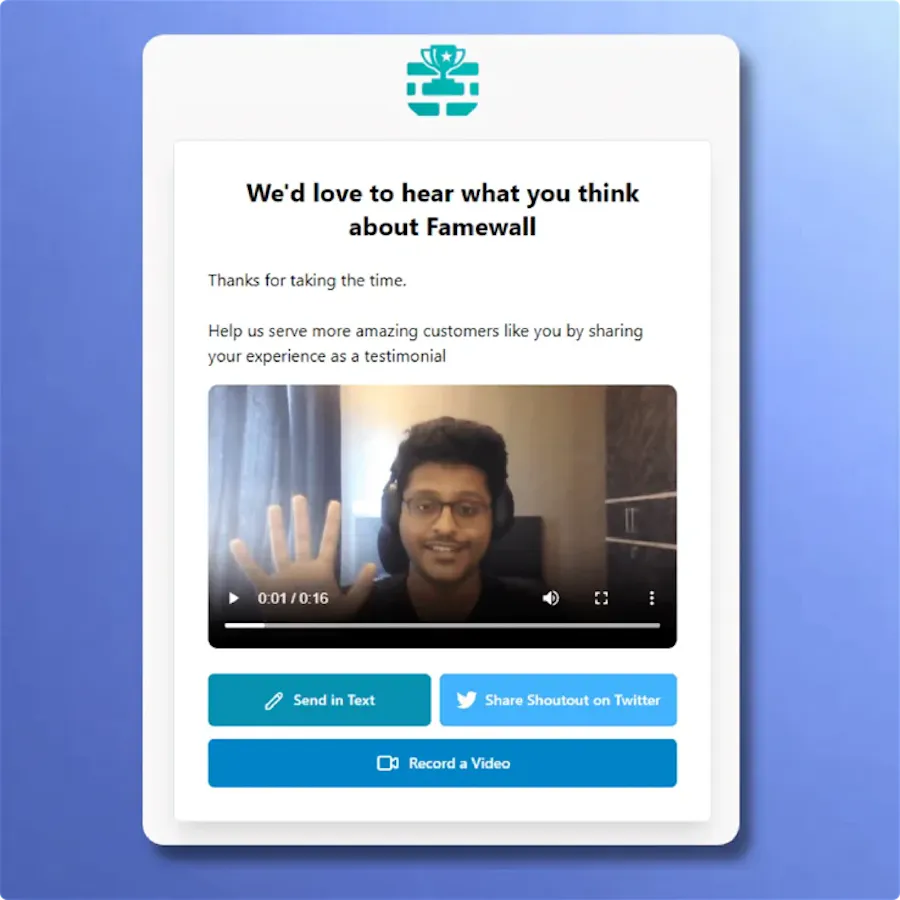
Members click and leave a text or video testimonial in the browser. Discord notifies you.
That is how testimonials for course creators usually start. The students are already in the server.
Every format
Built for the way creators collect
No app to install.
The embed says which testimonial type arrived.
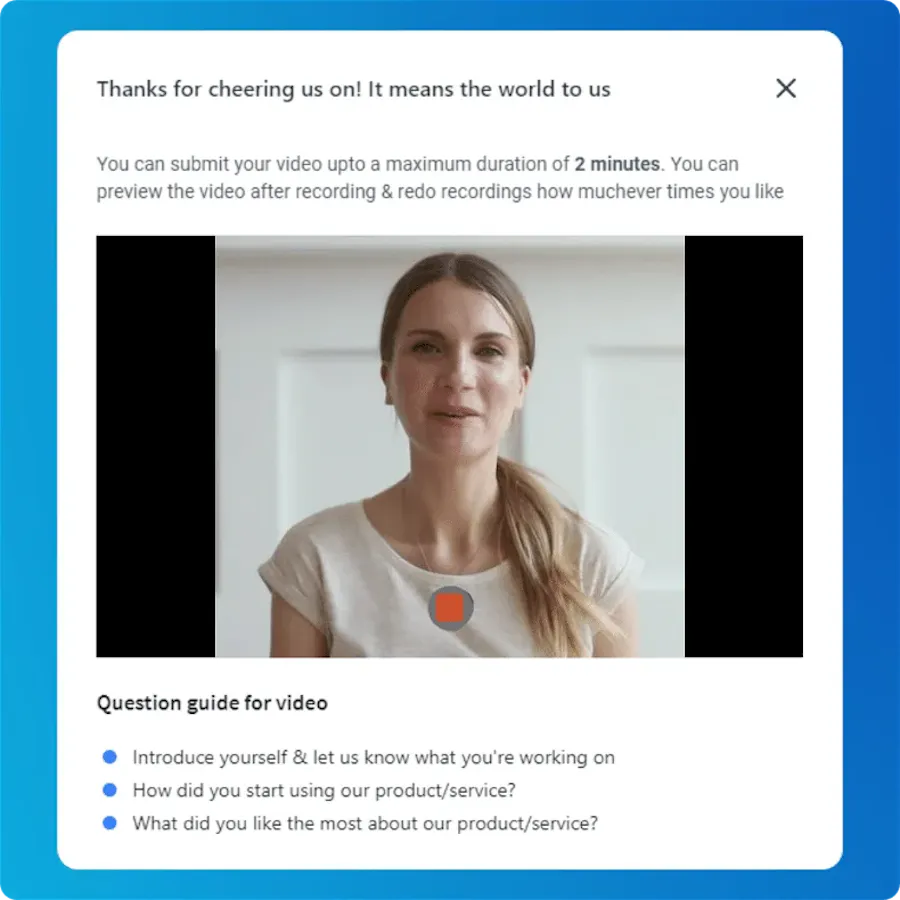
Videos with an AI summary use it as the excerpt. You get the gist without pressing play.
Close the loop
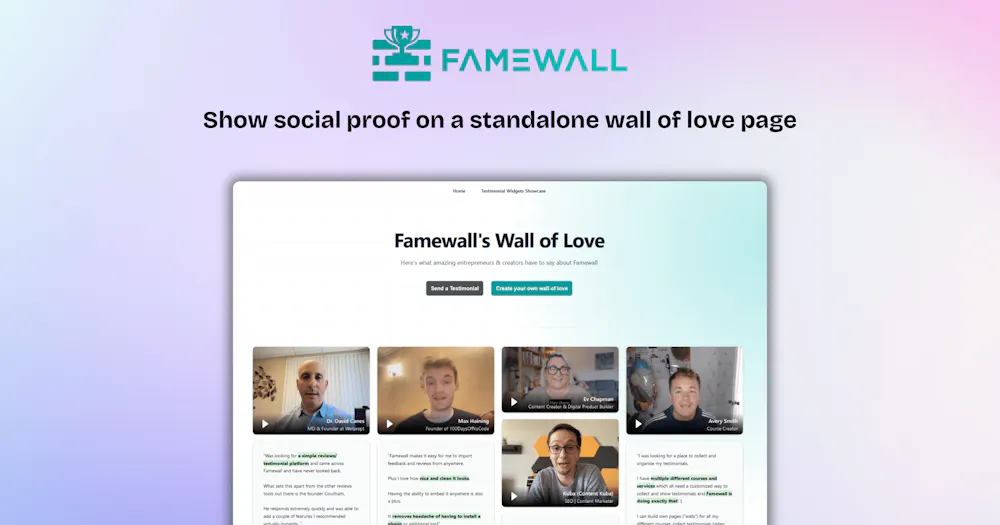
Approved testimonials go public on your wall
Each approval also updates your wall of love on its own.
Your community sees the win. Your visitors see the proof.
Trusted by founders, creators & communities worldwide 💙
Customer Case Studies 🤩

And the best part is, it's SO easy to update on my website.
Also Famewall's customer support is super fast!"

People like to read real-life customer stories and Famewall allows me to share them in the most effortless way possible"

And I’m always preferential to a product where I can go directly to a creator and ask for new features.
That is always a HUGE bonus."
Frequently asked questions
What Discord server owners ask before connecting Discord to their testimonials.
The Famewall Discord integration displays new testimonials to your server as rich embeds. Each one shows the author, the rating, the testimonial and their answers to your questions. You connect it in one click from your dashboard.
No. When you authorize on Discord's screen, Discord creates an incoming webhook for your chosen channel. Webhooks are one-way. They post to that channel and cannot read or do anything else.
You need Manage Webhooks permission in that server. Owners and most admins have it. You pick the server and channel on Discord's own screen.
Your call. A common setup: collected testimonials go to a private #testimonial-inbox since they can include emails. Approved ones go to a public wins channel for the community to celebrate.
It is part of Famewall's paid plans. Start free, collect testimonials and build your walls. Upgrade when you want them in Discord. Paid plans include Slack too.
Have more questions? We are happy to help.
Contact us at contact@famewall.io