Testimonial software for course creators that collects student results from every course & turns them into your next enrollment
Most testimonials for course creators never reach the sales page.
They sit in your community's wins channel or hidden in a course survey.
Famewall gives every course its own collection link & a testimonial wall. Students type a few lines or record a video after the last lesson. You approve it and it shows up on that course's sales page.
Trusted by course creators and organizations all over the world















Why course creators choose Famewall to build trust with new students
Each course gets its own testimonial collection link that students open on their phone
The testimonial collection page has your logo & the questions you pick for that course.
Students leave a few lines or record a video in the browser. No app to install & no login.
Put the link in the last lesson, the completion email or your community's wins thread. The same link works for every cohort of that course.
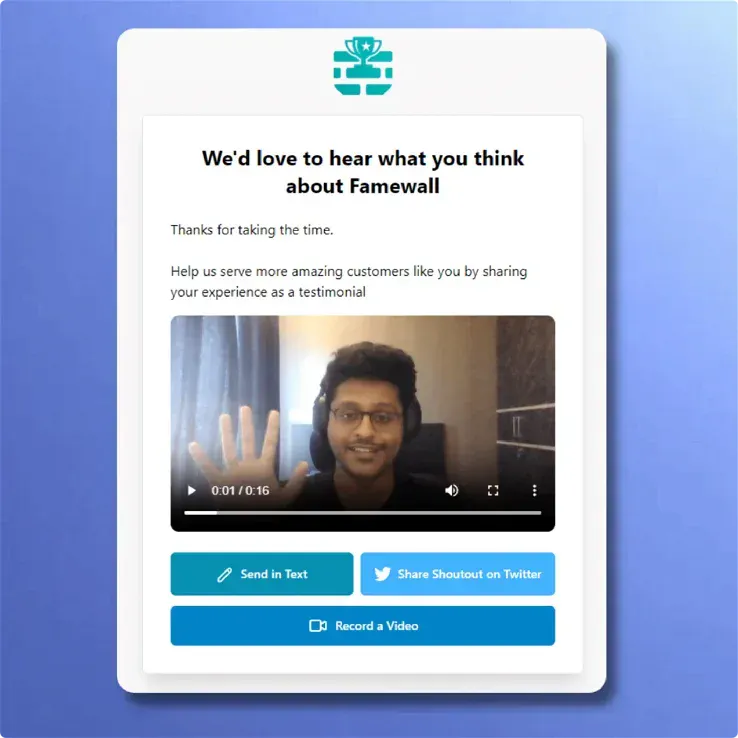
Text testimonial is good but Video testimonial is what future students remember.
Students can record a video testimonial in the browser.
They can preview & redo it as often as they like.
If a student's breakthrough happened on a live Q&A call, you can upload that recording directly inside the dashboard.
Uploaded clips get captions automatically.

Each course's testimonials go on that course's sales page
Testimonials from each course get their own wall.
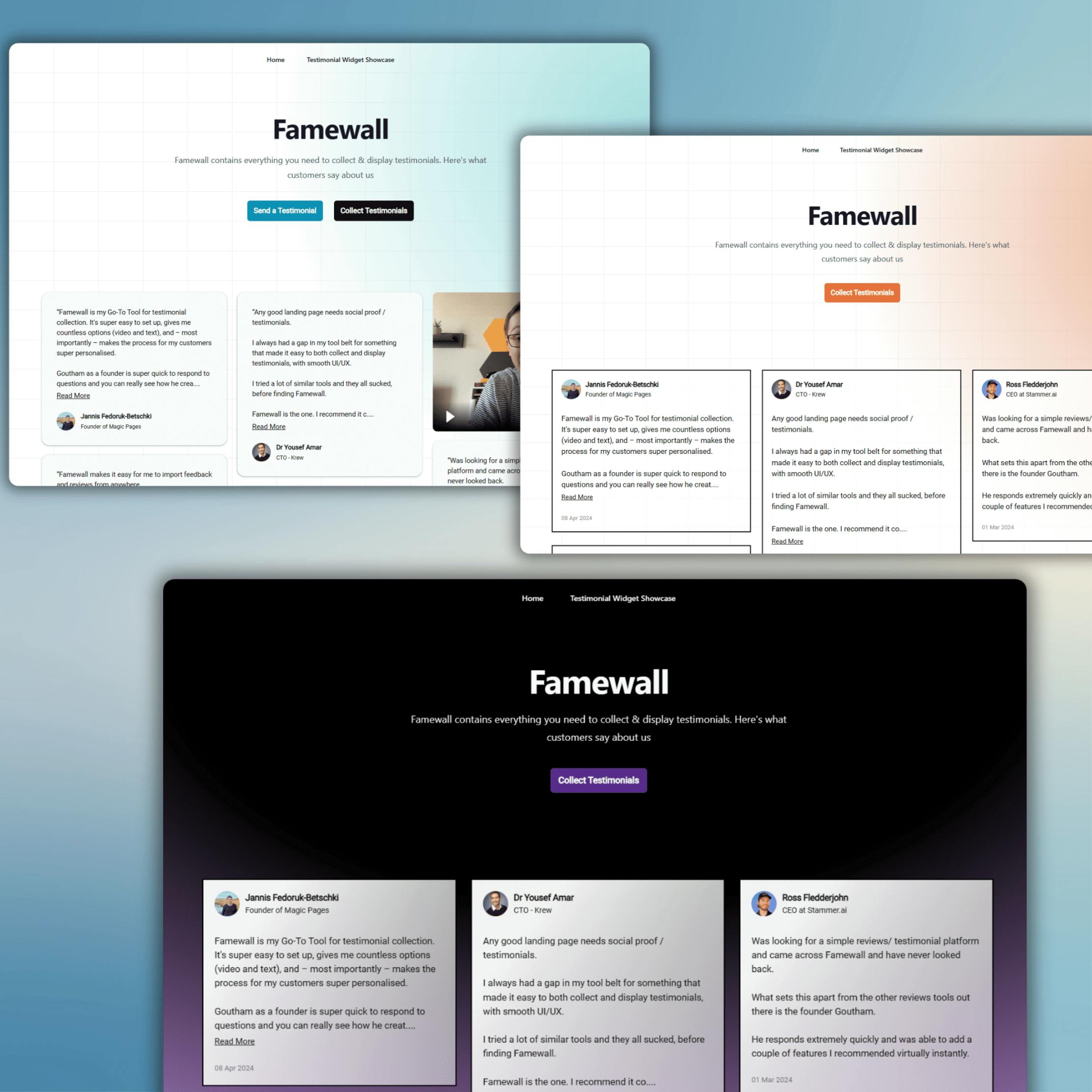
Paste the embed code once on that course's sales page in Kajabi, Thinkific or any page builder.
A buyer looking at your flagship program reads what flagship students say while reviews of your starter course stay on the starter course.
Approve a new testimonial and the wall updates without you touching the page again.
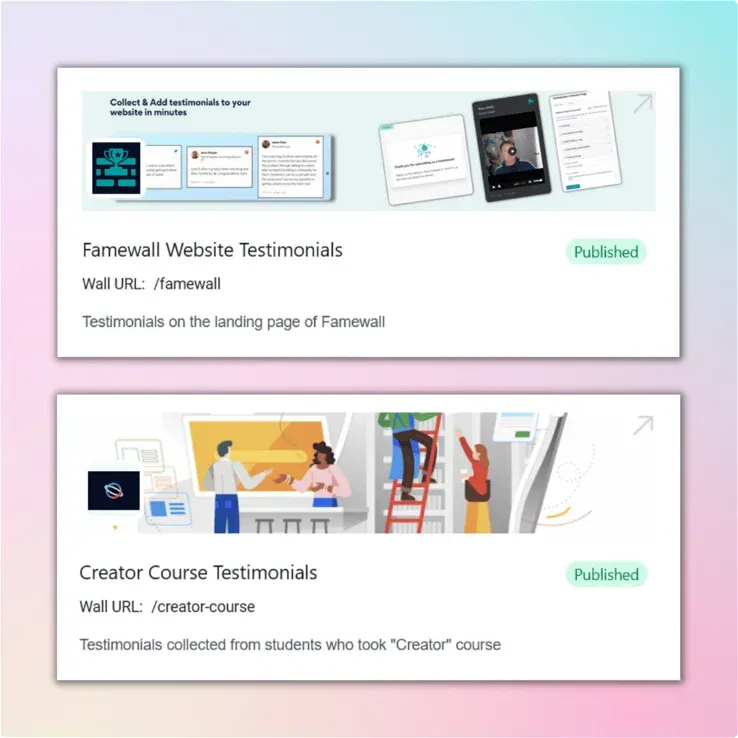
Every course gets a student results page you can link anywhere
Each wall comes with a hosted student results page.
Link it from your webinar follow-up email, the checkout page or your bio.
Put it on your own domain on any paid plan.
Your best student results are stuck where they were posted
As a course creators with more than 1 course, you rarely lack testimonials. What you lack is a way to get the right one onto the right sales page.
Behind your community login
A student posts the result that made the course worth it. But it stays hidden in the feed where no buyer will ever see it.
In row 214 of the course survey
Your best testimonial might be sitting in a Google Form response. Nobody copies it out.
In a reply buried in your inbox
A student writes back the week they pass the exam or land the job. You thought of using it and it gets buried under the next launch.
In one pile for every course
The starter course's reviews sit next to the flagship program's. A buyer weighing your cohort reads proof for the wrong course.
A wall for each course fixes the publishing step. It also improves what students write because they know which course they are talking about
A block you manually paste into vs a real testimonial wall for your course
Your course platform probably has a testimonials section you fill by hand. It works for 3 quotes but stops working at the second course.
| Course platform testimonial blockPasted by hand | With FamewallCollected and kept live | |
|---|---|---|
| Where quotes come from | You copy them out of surveys, emails and community posts | Students send them through one link per course |
| Video | You download, upload, host and place each file | Students record in the browser and you approve |
| A new testimonial | Edit the sales page and publish it again | Approve it and the wall updates |
| More than one course | A separate block on every sales page, kept by hand | A collection link and a wall for each course |
| Switching course platforms | Rebuild every testimonial section from scratch | Paste the same embed code on the new platform |
| Your time | An hour of copying before every launch | A few clicks when a new one arrives |
See what our customers are saying 💙
Customer Case Studies 🤩

People like to read real-life customer stories and Famewall allows me to share them in the most effortless way possible"

And the best part is, it's SO easy to update on my website.
Also Famewall's customer support is super fast!"

And I’m always preferential to a product where I can go directly to a creator and ask for new features.
That is always a HUGE bonus."
Works on the course platform you already use