The 8 Best Testimonial Tools for Nonprofits (Compared for 2026)

Most testimonial tools are priced for 1 campaign.
But a nonprofit runs programs.
Each one has participants, volunteers, donors or members with a story worth telling. And each one has a board, a funder, an annual report or a year-end giving appeal waiting to hear it.
If you pick the wrong tool, the bill climbs with every program you add.
And when you price for 5 programs over a full year, the tools below cost anywhere from $250 to $7,200 at list price.
So I compared 8 of the best testimonial tools for nonprofits, including the nonprofit storytelling tools.
I looked at what a year really costs, how each one handles consent and whether the stories ever reach your website.
Disclosure: I'm the founder of Famewall, so it's on the list but I've been straight about where the others beat it. Here's the TLDR;
- Famewall if you want a wall for every program with text, videos & audio on your own site. No developer needed, for $299 a year (monthly plans are available).
- MemoryFox if you want a consent-first story library with design tools and coaching, and can commit to 12 months.
- Gather Voices if you're an association collecting member video at conferences and events.
- GoodSeeker if some storytellers can't be named, or you want a team to collect stories for you.
- Vocal Video if you want polished, edited video with your own release form attached.
- PWI Storyteller if you want the lowest price and short supporter videos made for social media.
- ThankView if the job is sending personal thank-you videos to donors & not collecting stories.
- KindKatch if your team wants to text donors short video updates.
| Tool | A year for 5 programs | Free plan or trial |
|---|---|---|
Famewall | $299 on Professional (or $29/mo) | Free plan |
MemoryFox | $5,388 on Campfire, 12-month commitment | 14-day guided trial |
Gather Voices | Quote only, or VideoBoost from $95/mo | 14-day VideoBoost trial |
GoodSeeker | $7,200 on Growth ($600/mo) | Demo, 60-day guarantee |
Vocal Video | $1,788 on Pro, billed yearly | Free plan, 5 videos |
PWI Storyteller | $250 on the PWI Pro Plan | Not listed |
ThankView | Quote only | Demo only |
KindKatch | $1,788 on Standard ($149/mo) | 30-day money-back |
Judging factors for testimonial tools for nonprofits
Almost any tool on this list works for 1 program, whether it sells itself as testimonial software or nonprofit storytelling software but 5 things decide the differences.
1. The price shouldn't jump with every program
Some tools count campaigns, collectors or walls while others charge 1 price whatever you add.
At one program the gap is small but at 5 programs it's the difference between $299 and $7,200 a year.
2. Consent and release have to live with the story
Storytelling for nonprofits carries a duty of care that customer reviews don't.
A bereaved parent, a survivor or a young participant needs to know where their words will appear. Some will change their mind a year later.
Look for consent wording that you control. Few tools can publish a story without the person's name, so check that in the product
3. Stories should reach your website without a developer
This is where most nonprofits get stuck.
The stories already exist as member stories sit in survey exports, donor thank-yous in someone's inbox. They aren't on the website because the web vendor bills for every change.
A tool that gives each program a story wall you embed once fixes that for good. New stories show up on the page as you approve them.
4. Video stories without a film crew
Volunteer testimonials recorded on a phone beat a gala video you can afford once a year.
Check how long people can record and whether the page works in their language. Check they can write or record audio instead if they won't go on camera.
One organization WKAR, the public media station at Michigan State University, gives people all 3 on its story page.
Visitors can send in text, record a video or record audio from one form. The page also tells them why it matters, which shows decision makers on why it is essential.

5. The contract should fit a nonprofit budget
Nonprofits budget by the year and answer to a board.
Watch for 12-month commitments on monthly billing and quote-only prices that need a sales call. If a program grant pays for the tool, the yearly total is the number your grant budget needs.
Here's a list of the 8 Best Testimonial Tools for Nonprofits
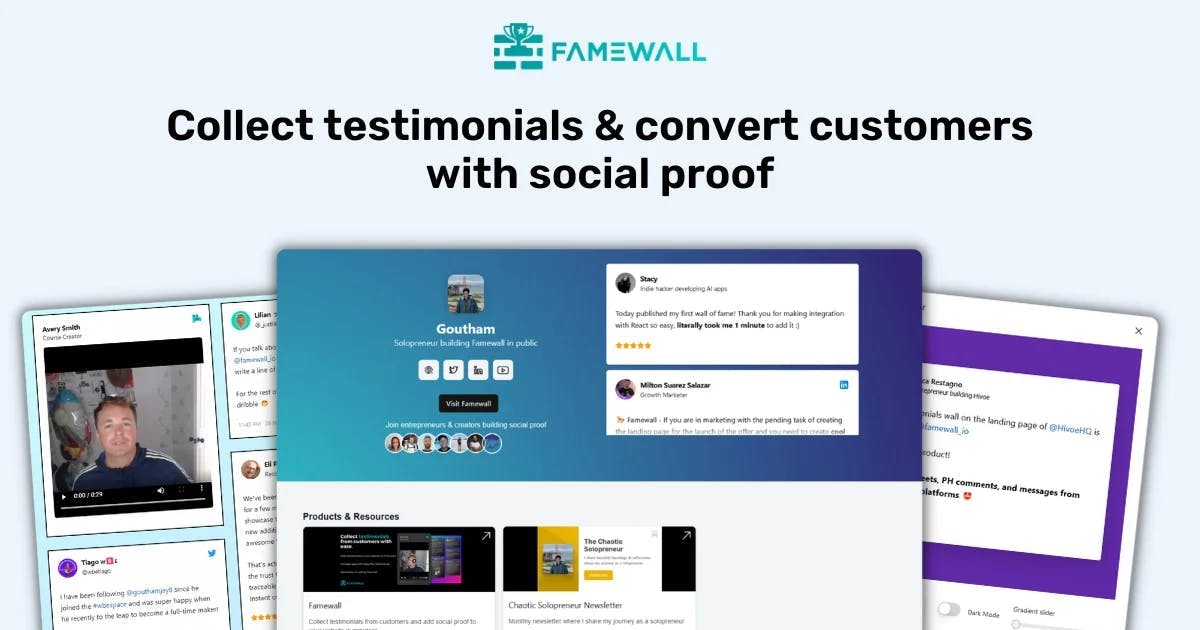
1. Famewall - It gives every program its own story page and options to share them easily
Famewall is testimonial software built around collecting stories yourself.
People send text, video or audio from one link, and you put their stories on your own website without a developer.

The setup that matters for a nonprofit is one story page per program. Each page asks its own questions, carries your colors and feeds its own wall.
AAHA, the American Animal Hospital Association, runs it this way. Its Amplify accreditation program asks 3 questions about the program.

The answers land on a wall for that program, further down the same page.

Video doesn't need a film crew.
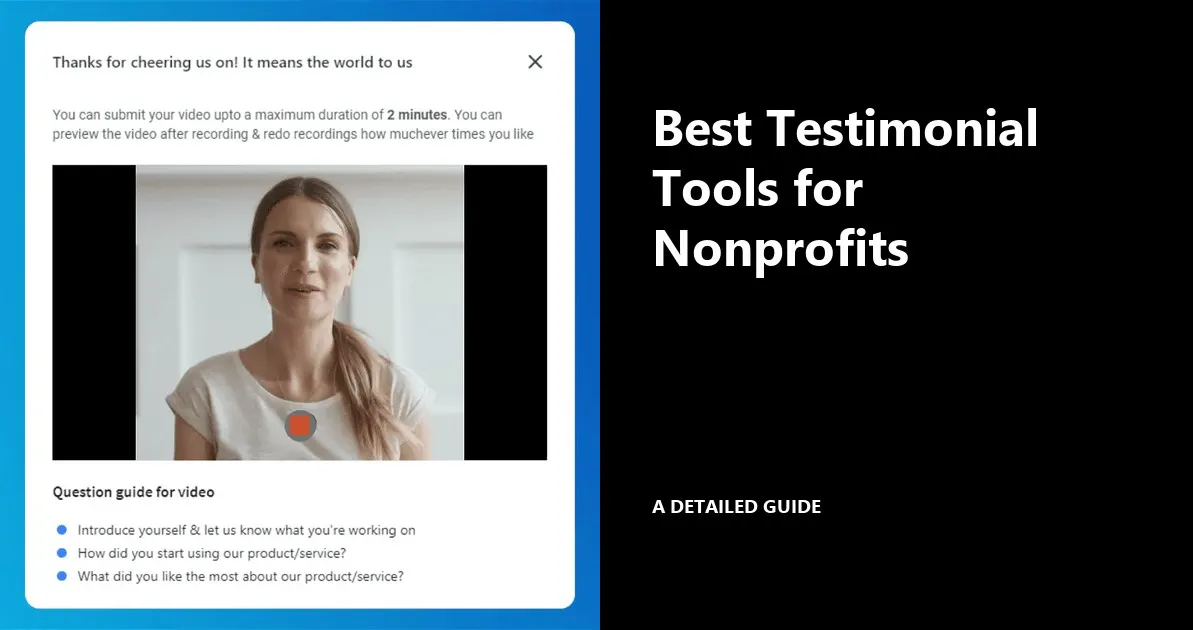
The storyteller records a video in the browser on their phone or laptop with your questions on screen. There's nothing to install, and they can redo it until they're happy.

Consent lives on the same page. You write the consent line yourself and link your release form in it. Turn on the consent checkbox and every story arrives marked Consent given or Consent not given.
Once stories are in, the dashboard doubles as your story bank.
You can share the stories across social media as videos and images which have engaging graphics. The same can also be shared on emails

You can search every story and tag it by program or theme. Then you pull the right quote for grant reporting or the annual report.
Embedding is a paste on WordPress, Squarespace, Wix, Webflow or HubSpot.
Each wall can also has as its own hosted story page on your domain. The story page keeps collecting and the wall keeps showing new stories.
Pricing:
There's a free plan for your first program. The Professional plan is $299 a year that covers up to 15 program walls, 3 team seats and unlimited video.
The Business plan is $959 a year for 10 seats, unlimited walls and your own domains, which is where larger associations land.
Famewall offers a discount for non profits which you can email contact@famewall.io and ask. Full pricing is public.

Best for:
A comms team that wants every program's stories live on its own site this week, on one yearly bill.
The catch:
Famewall does collecting and displaying well. There's no option yet to publish a story without the person's name.
It doesn't send reminder emails for you either. You share the link yourself, in the newsletter or a post-event email.
2. MemoryFox - It is a consent-first story library built only for nonprofits
MemoryFox is built for one audience, which is nonprofits and the foundations that fund them.
People send photos, videos and written stories from your community, and they land in one library.

The library is the heart of it.
Every story is tagged and searchable. From there it becomes an appeal, a social post, an event slide, a grant report or a donor update. A Canva integration handles the design work.

It ships an editable consent form with a consent removal option.

Pricing:
There's a free 14-day guided experience. Basic is $1,200 a year for the library. Program campaigns start on Essentials at $2,988 a year, with one active at a time. 5 programs collecting at once means Campfire at $5,388 a year.

Best for:
Nonprofits that want ethical storytelling coaching and a designed content library, and can commit to a year.
The catch:
The website isn't the focus. MemoryFox says stories can be embedded into nonprofit tools and email services. But the product is built around the library and the design studio. Price is the complaint in its reviews.
3. Gather Voices - It is built for associations collecting member video at scale
Gather Voices collects video from members, attendees and supporters, then edits and publishes it.

The workflow runs in 3 steps.
You capture video remotely, in person or with prompts. You turn raw footage into branded clips without a production team.
Then you publish it across events, membership and marketing.

For conferences there's a video kiosk add-on. Enterprise adds a teleprompter, recordings up to 15 minutes and up to 8 video galleries.
Pricing:
The main platform is quote only. There's no published price and no free trial, and Gather Voices' own pricing article says contracts run 6 or 12 months. Enterprise covers 12 admins and unlimited requests.

Best for:
Associations with a conference season that want polished member video at volume.
The catch:
It's video only, so written stories aren't the point. The full platform also means a sales call and a 6 or 12 month contract before you see a price.
4. GoodSeeker - It builds a story bank and lets storytellers hide their names
GoodSeeker is impact story software built around a story bank.
It collects impact and reference stories from staff, donors, volunteers, alumni and clients. You can run it yourself or have its team collect the stories for you.

Stories come in through campaigns, each with its own landing page and prompts.
They publish to public storyboards. spotlight pages and embed on your website.
Storytellers can anonymize their name on public stories or opt out of being named.
You can also require approval before anything goes public. For survivor, recovery or youth stories, that matters.

Pricing:
Starter is $300 a month for up to 3 active campaigns. 5 programs means Growth, which is $600 a month or $7,200 a year for 10 campaigns.
Every plan includes unlimited stories and video minutes.

Best for:
Organizations with stories that can't carry a name, or teams that want someone else running collection.
The catch:
It's the highest list price here for 5 programs, and the nonprofit discount rules are US-based too.
5. Vocal Video - It turns raw answers into edited video, with your release form attached
Vocal Video is one of the nonprofit video storytelling tools that does the editing for you.
It collects video through a link and turns it into finished clips, with music, captions and your logo added automatically.

Recording happens in the browser from a link or a QR code.
People get a guided flow & a teleprompter which helps nervous first-timers. Transcripts come in more than 100 languages.

Pricing:
All plans are billed yearly. Essential is $1,188 a year with 5 video collectors. Pro is $1,788 with 10 collectors and custom releases. Scale is $2,988 with custom domains. The free plan publishes 5 watermarked videos.
Qualified nonprofits get 20% off annual plans if they ask before upgrading. That brings Pro to about $1,430 a year.

Best for:
Teams that want polished video for appeals and galas and would rather not edit it themselves.
The catch:
It's video first, so written stories aren't really the point. Processing is capped by hours of video a year which is 6 on Pro.
6. PWI Storyteller - It is the cheapest way to get short supporter videos for social media
PWI Storyteller comes from Project World Impact which sells a bundle of nonprofit tools.
Supporters pick a topic and a question. They record a video under 60 seconds and share it with their own network.

It's built for reach and not for an archive.
PWI says each shared video brings about 100 new impressions on average. The videos are meant for your site and your social channels, and sharing to social is automatic.

Pricing:
The PWI Pro Plan costs $250 a year. That bundles Storyteller with 17 other tools, including PWI's nonprofit AI.

Best for:
Small nonprofits that want supporters making short videos for social media on the smallest budget here.
The catch:
Videos stop at a minute, and there's no written or audio option. PWI's page doesn't explain consent handling or how the videos appear on your own website.
7. ThankView - It sends personal video to donors instead of collecting stories
ThankView, now part of EverTrue, is video fundraising software.
Gift officers and staff record personal video messages and send them to donors by email or text. Its customer stories lean towards universities and large nonprofits.

It does collect video too.
You can request clips from staff, students and volunteers in a guided workflow. Then you drop them into thank-you, birthday or impact messages.

You see who opened, watched, clicked and replied.
Fundraisers then know who to call next.

Pricing:
Demo only. ThankView doesn't publish prices on its site.
Best for:
Fundraising and advancement teams that want to thank donors personally, at scale.
The catch:
It's a stewardship tool, not a story library or a website wall.
If the job is getting beneficiary stories onto program pages, it's the wrong shape.
8. KindKatch - It texts short staff videos to donors, and now mostly sells to gyms
KindKatch is a video messaging platform.
Staff record short videos in a mobile app, then send them by text or email with a call-to-action button.

The homepage now speaks mostly to fitness studios

The nonprofit offer still exists. It pitches quick personal video updates to donors and supporters, and it connects to Virtuous, a nonprofit CRM.

Pricing:
Standard is $149 a month ($1,430 on yearly plan) and Pro is $299/month with a 30-day money-back guarantee.

Best for:
Donor relations teams that want to text supporters short personal video updates.
The catch:
Like ThankView, it sends video out rather than collecting stories in. Plans are measured in texts and emails a month, not stories or programs.
How to pick the best nonprofit storytelling tool?
The best tools for nonprofit storytelling depend on where the stories need to end up.
If your stories need to live on your website with one page per program & shared easily, pick a tool built around collecting and sharing. Famewall does that from $299 a year. Our MemoryFox comparison covers when a story library is the better fit.
If ethical storytelling coaching matters more than the website, MemoryFox is built for exactly that while GoodSeeker adds stories without names and a done-for-you option.
Gather Voices is built for member video at events.
Testimonial software for membership organizations lives or dies on the questions, so start with good member spotlight questions.
If polished video is the deliverable, Vocal Video edits it for you. The Vocal Video comparison shows when a broader tool is enough.
If you're shopping for donor story collection software, check which way the video travels. ThankView and KindKatch send video out to donors rather than bringing stories in.
Frequently asked questions
What tool should a nonprofit use to collect stories?
Use one that collects text, video and audio from a single link.
It should record consent with every story and embed on your website without a developer. A free form works for a handful of written stories, but it won't take a video or put anything on your site.
How do nonprofits collect beneficiary stories ethically?
Ask at a natural moment and explain where the story will appear. Record consent with the story itself and link your release form in the consent wording.
Let people choose text, audio or video, and take a story down promptly if they change their mind.
Can we put impact stories on our nonprofit website without a developer?
Yes. Famewall, GoodSeeker and Vocal Video all give you nonprofit website widgets you paste once into WordPress, Squarespace or Wix. New stories then appear on the page as you approve them, with no further changes to the site.
Put your first program's stories on your site this week
Famewall gives every program its own story page and wall, with text, video and audio from one link. Start free with one program