How to Make a Testimonial Video in 5 Steps (in 2026)

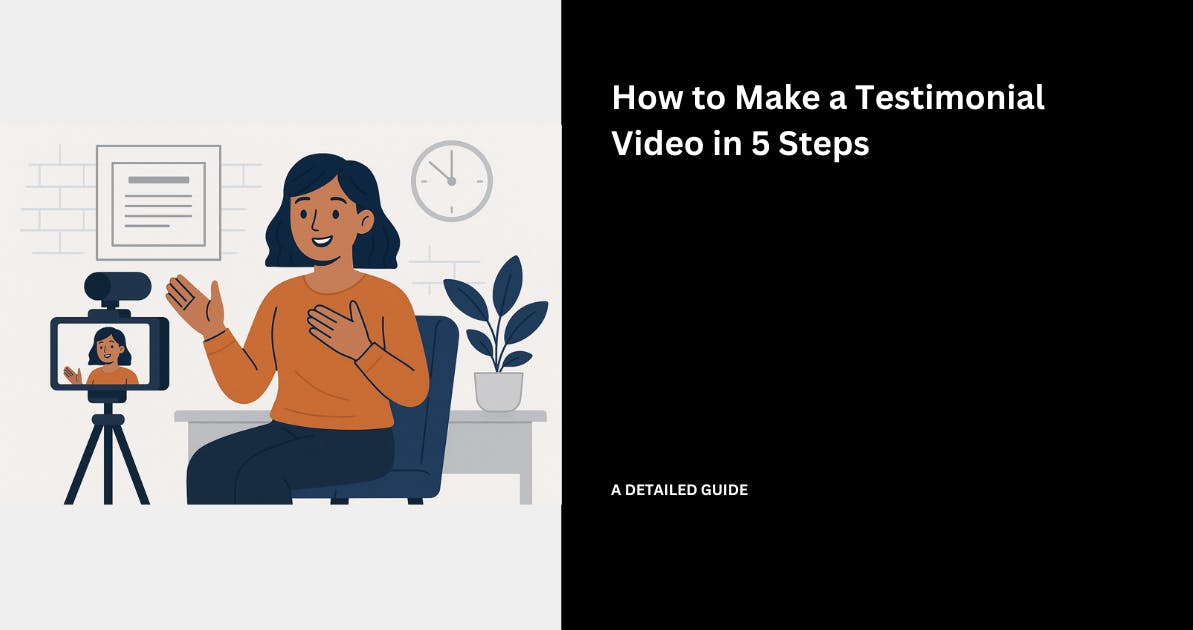
Nothing explains your product, service, or business better than lived experiences.
By that, I mean a customer who has lived through a problem, tried your solution, and can speak to the difference it made for them.
When other future customers see real people describe how a product changed their workflow or results, it tells them more than pages of feature lists ever could.
Based on research, video testimonials can even boost conversion rates for businesses by up to 80%.

But most businesses think that creating testimonial videos would require spending thousands of dollars on equipment, hiring agencies, or traveling to customer locations.
The good news is that making a great testimonial video doesn't have to drain your budget or take weeks.
In this guide, I'll show you exactly how. Let's get started.
How To Make a Testimonial Video
Here’s exactly how to make a testimonial video from start to finish:
Step 1: Pick a Successful Customer
The first step to making a testimonial video that converts is choosing the right customer.
Now you don’t want to select just any happy customer or someone who likes your product. You have to select someone whose story can sell for your business.

The reason is simple.
Customers retain 95% of a video review, more than just 10% of a written one. That works in favour for your business, but only if the content is worth remembering.

A vague testimonial like "this product was great" won't stick with anyone.
However, when you have a specific story with measurable results, that is what your future customers will remember and act on.
So if you’re going to ask for a review or testimonial, the right customer for a testimonial video should have four specific qualities that will make their story attractive and credible.
You want to consider the following:
1. How long the customer has been with you
You want to choose a customer who has been with your business for at least 6-12 months.
Because new customers are always excited at the start, but long-term customers are the ones with proof.

Your long-term customers have experienced your solution or product long enough to share their real, lasting impact beyond the first impressions that new customers give.
This way, you’re more likely to get testimonials that will include specific numbers from their end.

Take this video testimonial from Vercel, one of Slack’s customers, as an example.
For this customer to be able to speak about their experience with Slack at this level, you can tell that they aren’t a new customer.
In the clip, Pedro from Vercel talked about how Slack helped their remote team work better together by cutting down on extra messages so they can finish projects faster.
He notes, "As we have scaled over the past year from small squads to 200 engineers, Slack keeps channels focused and integrations tight."
That reference to growth and ongoing tweaks can only be seen from long-term use.
As a viewer, you can sense the real staying power, which hooks you twice as hard as surface-level praises.
2. Pick customers who match your target audience
If you are targeting small marketing agencies, make sure to feature a marketing agency owner.
If you want to sell to enterprise IT departments, showcase an IT director’s testimonial.
People seeing someone like them succeed raises their trust and will grab their attention much more.

Potential customers need and want to see themselves in your testimonial.
When they watch a video from a person in their exact situation solving their exact problem, then the conversion rates will surely go up.
Step 2: Ask the Right Questions
Once you have chosen the right customer(s), you need to prepare the questions you will ask them.
One thing you should always remember is that generic questions will produce generic answers.
So, you want to ask the specific questions that will help you generate great stories from your customer or make your leads say, "That's exactly what I need."
Instead of asking questions like, “Would you recommend us?”, ask questions that will bring out specific experiences like:
- “Before using our product, what was the biggest challenge you faced every week?”
- “What solutions had you used and why didn’t they work?”
- “What convinced you to pick our solution?”
- “What specific results have you seen? Time saved? Costs cut? Revenue growth?”
- “If someone in your shoes was looking for this kind of help, what would you tell them?”
A good question will give your customer a specific scenario to discuss. It also helps them paint a picture that others can relate to.
Because when someone watches a testimonial video, they want to hear relatable facts.
The combination of emotion ( e.g, "I was stressed every Friday chasing invoices") plus concrete results (e.g, "Now I get paid 5 days faster") creates powerful testimonials.

The numbers don’t lie. When you ask the right questions, you give viewers the story they need to believe.
Step 3: Choose the Right Equipment
Now here's where most businesses panic. They think professional testimonial videos always call for tens of thousands of dollars in equipment and production crews.
Mind you, we are not focusing on editing or detailed production here, just on how YOU will capture the testimonial video well, given your budget and scale.
With that in mind, here are some options to consider:
Option 1: Buy your own equipment
If you want to record your client testimonial videos in-house, you need professional gear.
A decent setup includes a camera like the Sony FX3 or Canon EOS R6 Mark II, which runs between $2,500 and $4,000.
Then, you may consider adding other equipment like:
- Prime lens (50mm f/1.8) for interviews: $600-$1,200
- Sturdy video tripod: $150-$400
- 3-point lighting setup with softboxes: $300-$800
- Microphone + audio recorder: $200-$600
- Professional backdrop stand and fabric: $100-$300
Your total equipment cost lands somewhere between $3,850 and $7,300.
But wait, there's more.
Every time you film a customer testimonial, you'll need to travel to their location or arrange for them to come to yours.
So, there is going to be the headache of coordinating schedules or the travel expenses if you need to go to them.
Of course, after this initial investment, you get to own the equipment and only pay for travel expenses and maintenance going forward.
Option 2: Hire a video production agency
So what if you don't want to deal with the burden of equipment? You could hire a professional video production agency instead.
Now, the average cost of video production ranges from $3,000 - $10,000 for mid-level short videos and $10,000-$50,000 for longer videos.

Imagine you have to do this for 15 or more customers.
Costs would easily climb up to the $45,000-$150,000 range.
Yes, these videos could look like what you would see in a TV commercial.
Yet, some customer stories would usually take 6-8 weeks to produce, and the biggest challenge could be coordinating schedules for your clients as well.
Option 3: Use a simple all-in-one solution
But what if you could collect professional testimonial videos from your clients without buying equipment or hiring video agencies?
Well, that's where a tool like Famewall comes in.

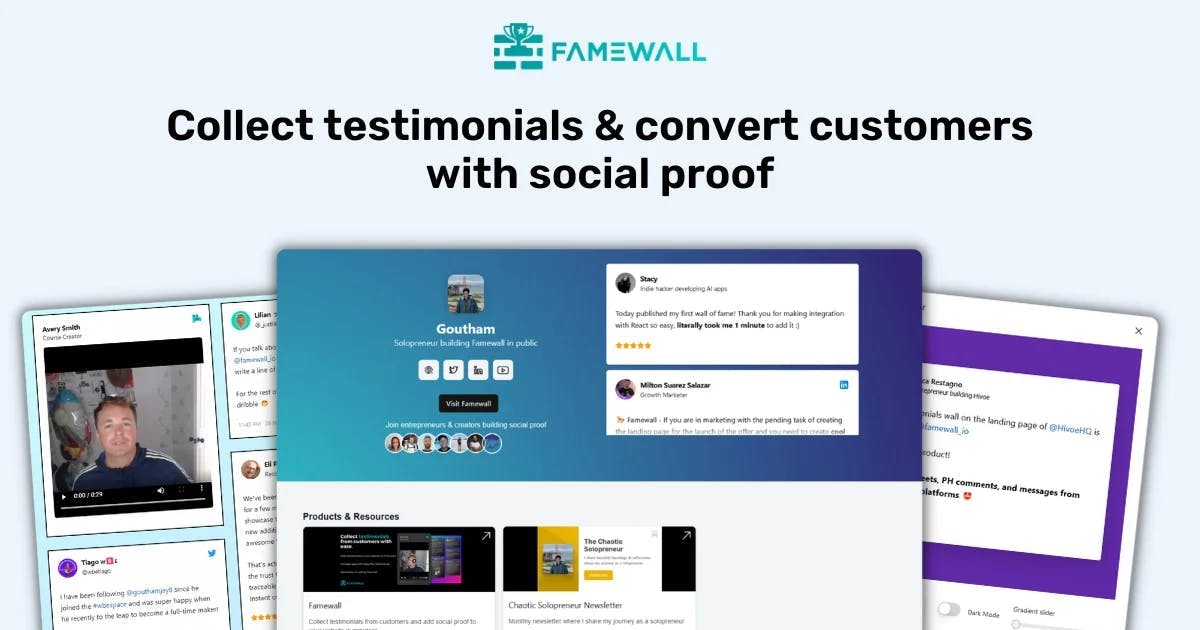
Famewall is a testimonial collection platform that lets your customers record video testimonials on their own devices without the need for travel, a filming crew, or any expensive equipment.
And it works as easily as this:
1. Create a collection page: You can set up a branded page in your Famewall dashboard, add your logo, and choose what type of information you want to collect from clients.

2. Share a simple link: Once you are ready to collect testimonials, you can just send the collection page link to your customer via email, Slack, or text message.
3. Customer records on their device: Your customers can simply click "Record a Video," select their camera and microphone, and record their testimonial, all in their browser without the need to download any app.
4. Famewall handles hosting: Once submitted, Famewall automatically hosts and streams the video.

5. Display anywhere: With this, you can add the testimonial to your website or sales page using widgets.

Or maybe you want to share it as a standalone link or even export it for social media. Famewall allows you to do that, too.

Famewall offers a free plan for you to start collecting testimonials, and when you need to upgrade for advanced features like custom branding, the Pro plan costs $25 per month.
If you’re a large or enterprise-level business, there's also an Agency plan at $79 per month.

For creating one testimonial video using Famewall, you're looking at somewhere between $0 and $80, depending on which plan you choose.
Compare that to $4,480 for the DIY equipment approach or $10,000-$15,000 if you decide to hire an agency.
One of our customers, Max Haining, mentioned in his Famewall video testimonial that there was no place to collect social proof and share it after it was collected.
With Famewall, he can just send people a simple link, and it's done in seconds.
With a tool like Famewall, you are already making it easy for your customers to record in their own space, do multiple takes until they're happy, and submit when ready.
Step 4: Show the Product or Service in Use
A talking-head testimonial is good. However, a client testimonial that shows your product or service in action is even better.
The reason is that potential customers need to see proof since anyone can just say, "The software is great." Showing the software solving actual problems is what makes it believable.
According to HubSpot, 62% of consumers watch video content, including reviews, to learn about a brand or product before they buy.

The most authentic testimonials show customers using your product/service in their real environment, not a polished demo environment.
For example, if you sell project management software, you can ask your customer to screen-record themselves creating a new project, assigning tasks, or checking off completed work.
I came across a user-generated review for a Loom, which is a good example of showing the product in action.
Something like this in a screen-recorded walkthrough passes for a good product testimonial, as the viewers can grasp the product value quicker than hearing claims.

And if you're looking to do this with a tool like Famewall, you can ask your customer to record their video testimonial first.
Then, have them create a separate screen recording using a tool like Vimeo or Loom, showing themselves actually using your product.
Once they are done, they can upload both videos for you to either combine them using a tool like Capcut, or you can even use the screen recording as a separate product testimonial. Win-win.
Step 5: Add Overlay Graphics for More Engagement
Adding even simple overlay graphics can turn a plain talking-head clip into a polished marketing asset that communicates key points instantly.
And believe me, that helps even when the viewer is watching without sound.
You can put text overlays at the bottom of the screen showing the customer's name, job title, and company.
These little tweaks can make your video look more credible to future customers.
For instance, seeing a text overlay like "Sarah Johnson, Marketing Director at TechCrumbs” makes those who are watching the video take it more seriously.
It clears any assumptions that the person in the video is a paid actor or even AI-generated.

Famewall does this by default for all the video testimonials if you enable collecting work titles in your collection pages
One thing to note is that when adding your testimonial videos to Famewall, you can add names and even work titles. This is helpful in keeping things organized.

Quick Note: When your customer mentions a specific number, display it as an overlay graphic on the video itself.
For example, if a customer says, "We increased revenue by 40% in just 6 months," you can add animated text that appears on screen showing that portion for emphasis purposes.
Captions are equally important.
About 85% of social video is watched with the sound off, especially on mobile feeds. If your testimonial video doesn’t have captions, most viewers will miss the message entirely.
For example, a customer says: "We increased revenue by 40% in just 6 months." You want to ensure that your video has an overlay of that statement for more emphasis.

Because Famewall stores the raw and full-resolution video files, you can export them and easily add branded text callouts in your editor of choice, and add captions as you want.

And there you have it. You now have a complete roadmap for making a testimonial video.
Make Your Testimonial Video
Creating one great testimonial video requires strategy: the right customer, the right questions, clear demonstrations, and professional polish.
But scaling to 10, 15, or 20 testimonials? That requires a different approach.
So, if you're a growing business that needs to collect testimonials at scale without breaking the bank, Famewall is your best option.
With Famewall, your customers can record a video or write a text testimonial in less than three clicks.
You can simply sign up here for free without adding a credit card.
Remember: The best testimonial video is the one you actually create. Start with one customer, ask great questions, and build from there.
Your future customers are waiting to hear good things from your current customers. Make it happen.
Try Famewall for free to start collecting video testimonials from customers with a simple link & display them as social proof on your websites without writing any code