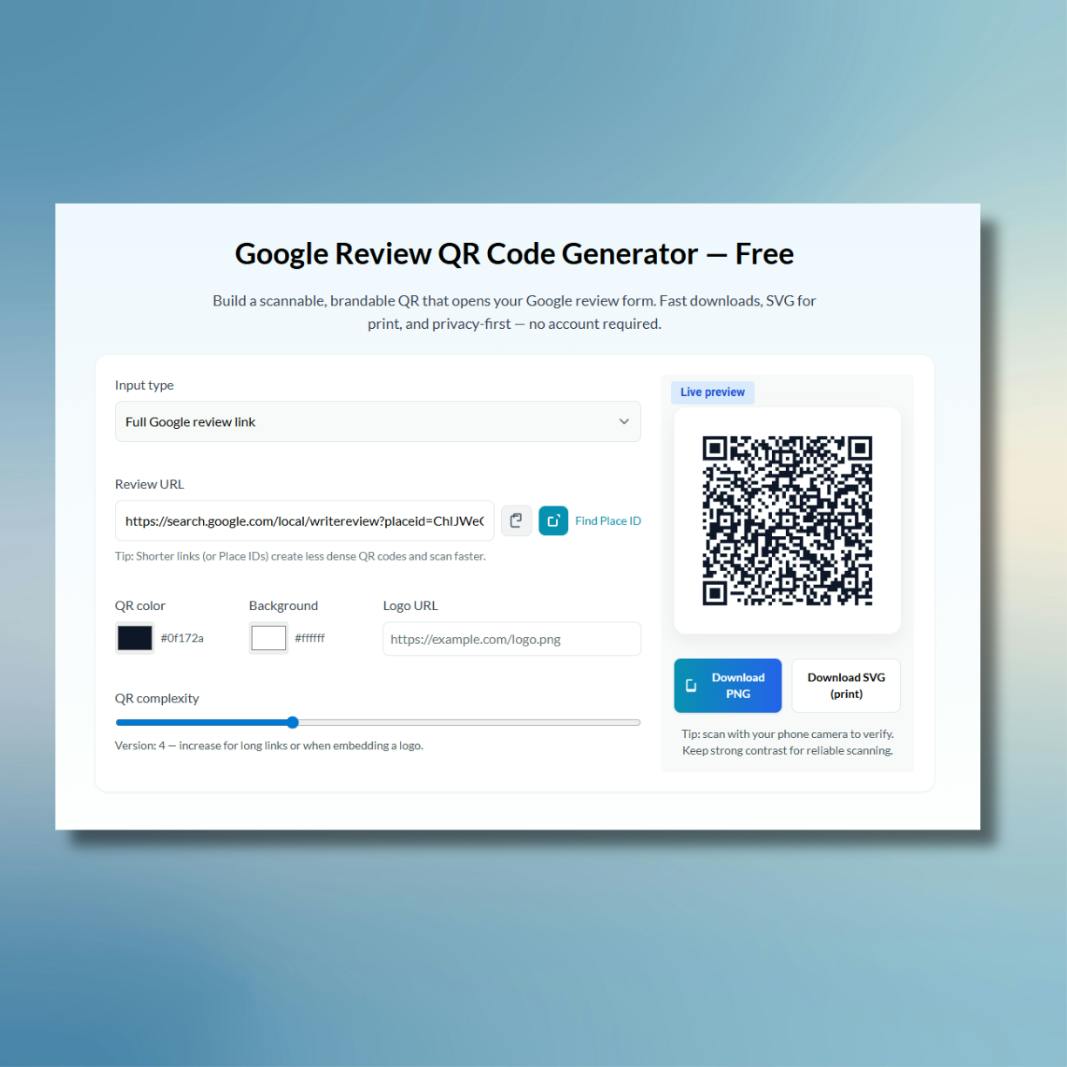
Google Review QR Code Generator — Free
Build a scannable, brandable QR that opens your Google review form. Fast downloads, SVG for print, and privacy-first — no account required.
How to create a Google Review QR code — fast
- Get your Google Place ID or copy the direct review link for your business.
- Paste the Place ID or full link into the field above and watch the live preview update.
- Adjust colors and add a small logo to match your brand without breaking scannability.
- Download PNG for web or SVG for print and add it to receipts, packaging, or marketing assets.
How to find your Google Place ID
- Use Google's Place ID Finder: open the example on Google's docs (opens in a new tab) and search your business name.
- Or open Google Maps, search your business, click "Share" → "Copy link". Paste that link into a Place ID lookup tool or paste the full review link into this generator.
- Place IDs are shorter and more reliable — prefer them when possible to reduce QR density.
Pro tips
- Prefer Place ID (shorter links = less dense QR = faster scans).
- Use dark foreground on a light background or vice versa — high contrast is essential.
- Keep logos small and centered (≈48×48 px). Test on multiple phones before mass printing.
Make it effortless for customers to leave Google reviews with the Instant Google Review Link Generator
- Paste a Google Place ID or a full review URL and the tool instantly builds a clean, scannable review link that opens the Google review form.
- Privacy-first: generation happens in your browser. No accounts, no tracking, and nothing is stored on our servers.
- Scan-optimized: automatic QR versioning and high error-correction ensure the code remains scannable even when you add a small logo.
- Add the QR to receipts, product packaging or email signatures to capture reviews at the moment customers are happiest.
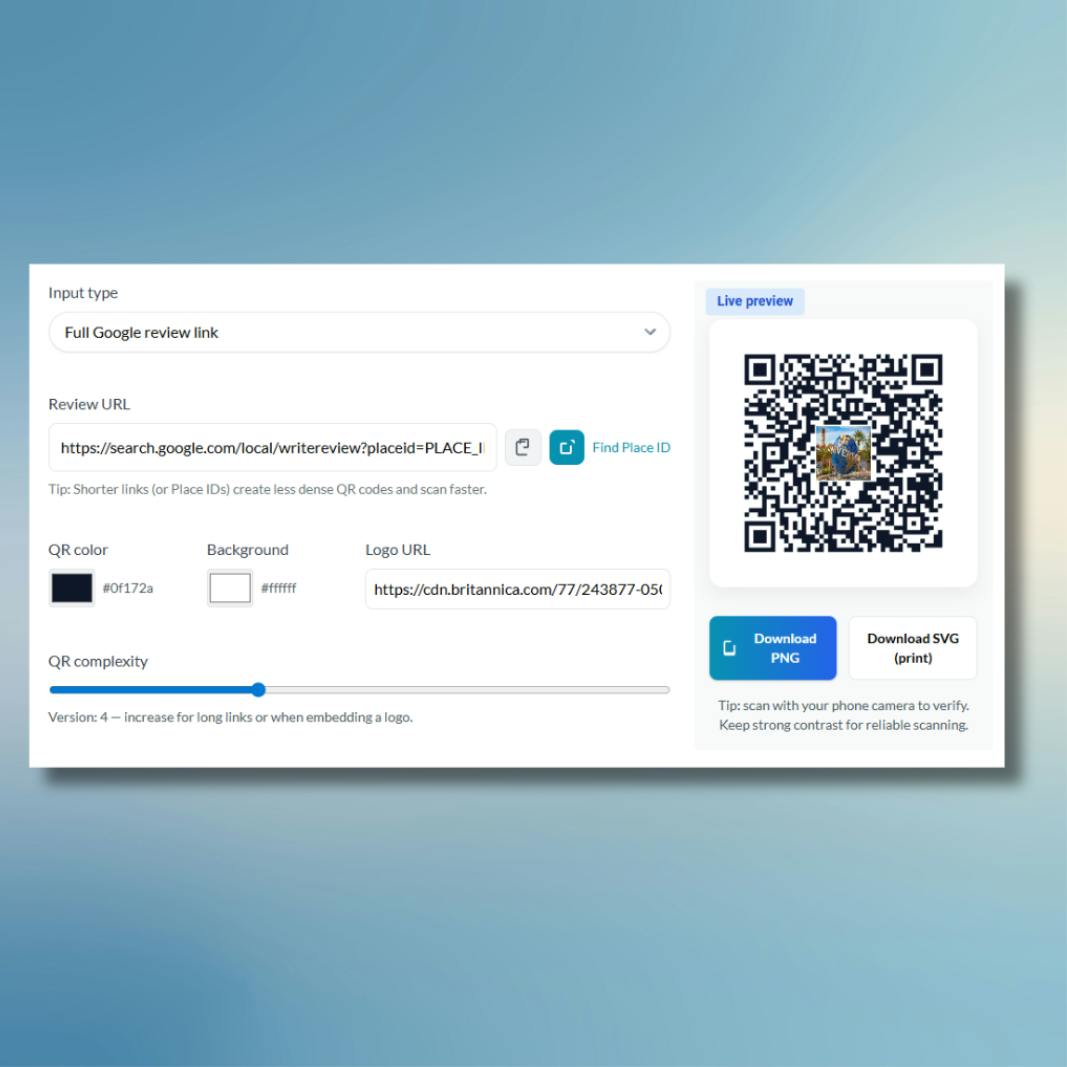
Brandable QR Codes that is print-ready & trustworthy
- Match your brand by customizing foreground and background colors. Optionally add a small center logo (best: 48×48 PNG with transparent background) for instant recognition.
- Download SVG for razor-sharp prints or PNG for quick web use. Outputs include margins and high error-correction for reliability.
- Best practices baked in: strong contrast, logo sizing guidance, and scanning checks to avoid printing expensive mistakes.
Frequently asked questions
Do I need a Google Business Profile to use this?
You don’t need a paid plan, but you should have a Google Business Profile for your business to collect reviews. This tool simply creates a direct link (or QR) to the review form.
What is a Place ID and why use it?
A Place ID is a short, stable identifier for your business used by Google Maps. Using the Place ID produces shorter links and less dense QR codes, which scan more reliably.
Will adding a logo break scanning?
Not if you follow the guidelines — keep the logo small (around 48×48 px), use high error correction (the tool sets this automatically), and test before printing.
Is this tool private and free to use?
Yes. All generation runs in your browser — we don’t store your input.
Which format should I download — PNG or SVG?
Use SVG for print or when you need crisp scaling. Choose PNG for quick web use. Both are supported and downloadable instantly.
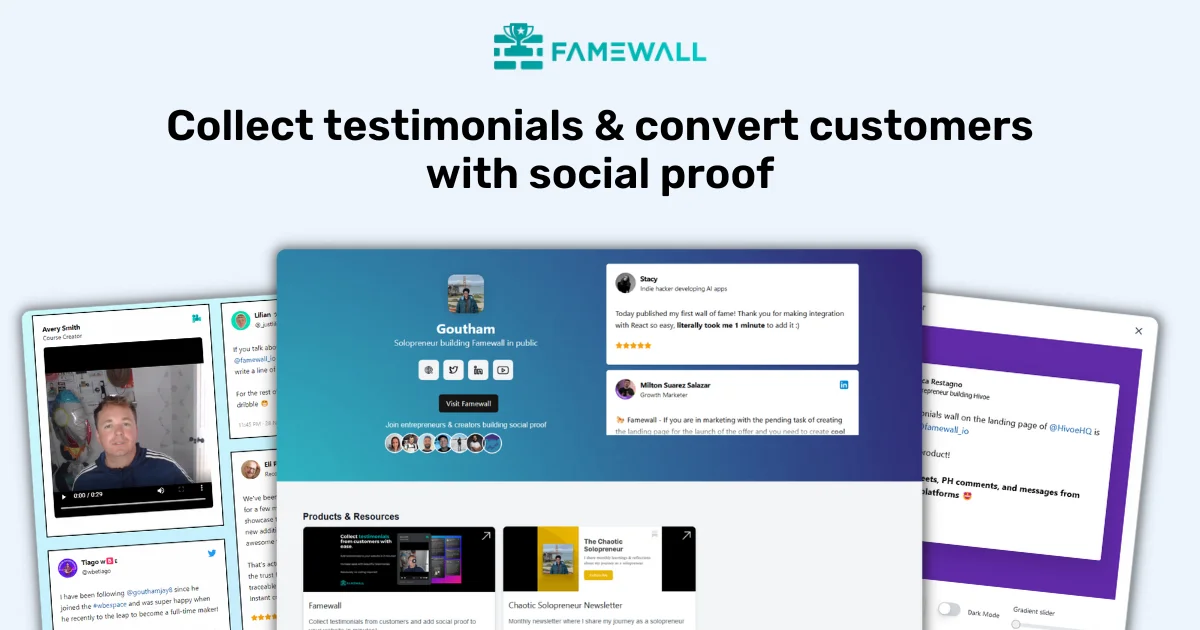
Collect & Display Testimonials with Famewall
Famewall is an affordable tool using which you can collect testimonials from customers and display them in websites, emails etc to attract more customers without any coding.
It's 100% free to try